The platform
One plot, one season, one continuous record.
AgroExpert is a mobile app backed by an API and a separate AI service. It is designed around four workflows that follow a farmer through the season. Each step below carries its real implementation status.
Status legend
- Implemented
- Built and exercised by automated tests in its own service.
- In validation
- Built, but not yet validated end to end, on target hardware, or with real field data.
- Partial
- Some of the intended capability exists; documented gaps remain.
- Designed
- Specified or configured, but not yet integrated or running.
- Planned
- On the roadmap. No working implementation yet.
- Research direction
- An open question to investigate - not committed engineering work.
01Workflow
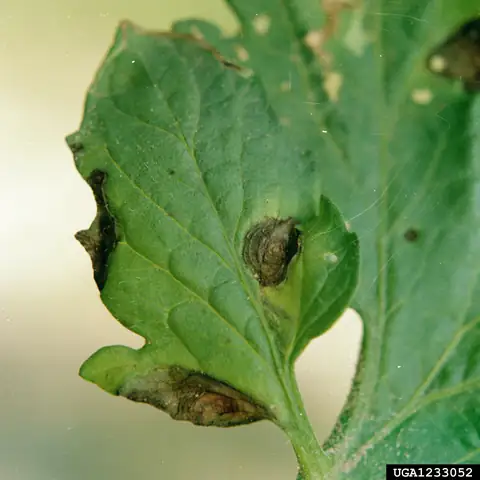
Quick crop analysis
Photograph a leaf, root, fruit or soil sample and get a possible explanation - with its uncertainty stated plainly.
- 01Capture or select photos in the app, with a live previewIn validation
- 02Automatic image validation and quality checksImplemented
- 03Attach the plot, crop and stage the photo belongs toImplemented
- 04Analyze the evidence in a background jobImplemented
- 05Possible diagnosis with a confidence tier and alternativesIn validation
- 06Explanation of the supporting evidence, with citationsIn validation
- 07Evidence-grounded management steps, without product names or dosesImplemented
- 08Ask a follow-up question in chat, seeded with the resultImplemented
The app → backend scan flow is live-verified. The backend’s connection to the real AI service is in validation; in development it uses a mock AI client.
02Workflow
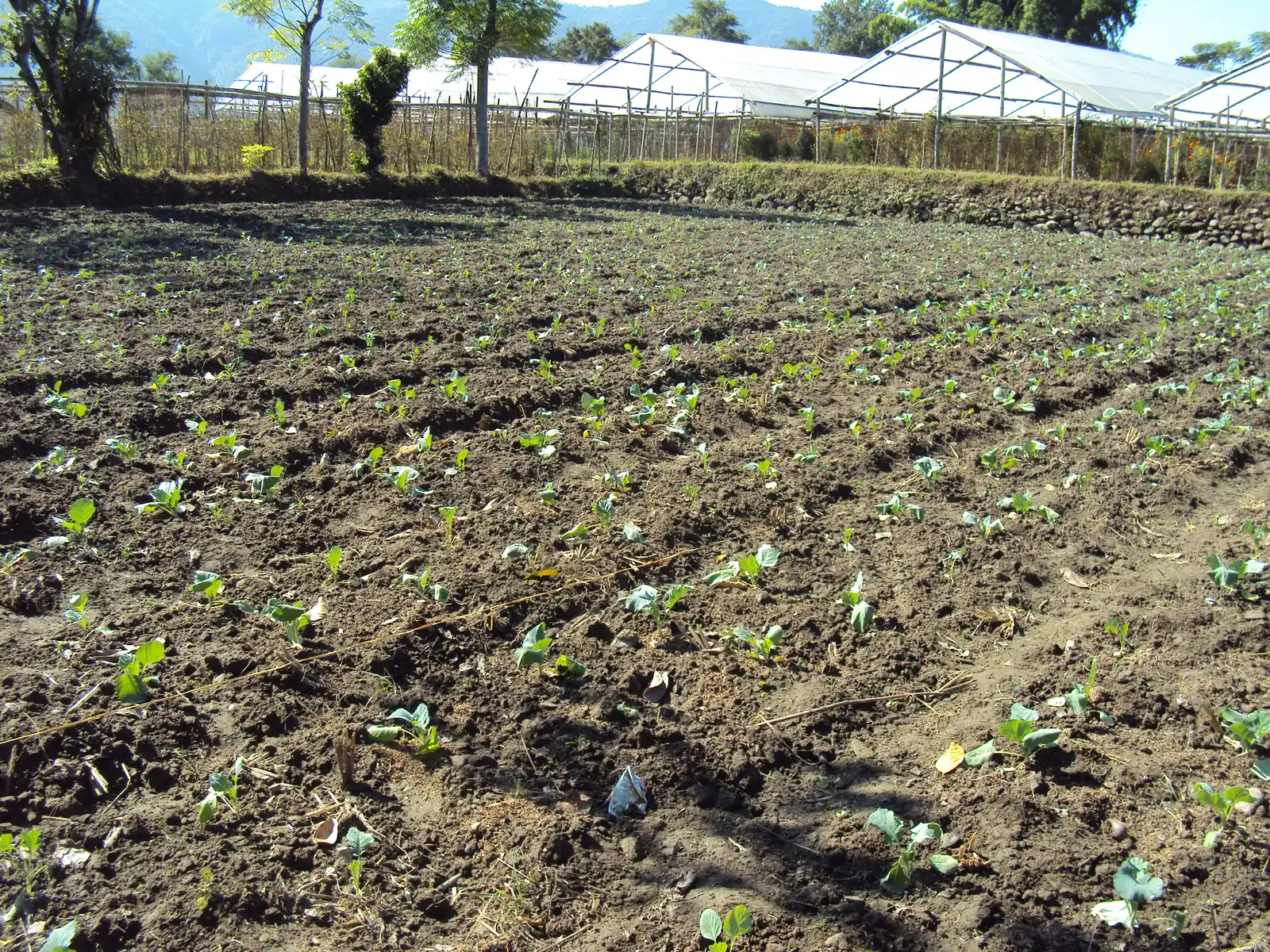
Persistent plot management
Each plot keeps its own story, so the next decision starts with what already happened there.
- 01Create plots with area, location or a drawn boundaryPartial
- 02Add a crop and track it through lifecycle stagesImplemented
- 03Log irrigation, fertilizer, pesticide, weeding and other activitiesImplemented
- 04Revisit previous scans on the crop timelineImplemented
- 05Log partial and final harvestsImplemented
- 06Archive a crop cycle into a shareable season reportImplemented
- 07Plot history informs later diagnoses (memory)In validation
Map boundary drawing needs a real maps key and device testing. Plot sync is currently one-way (device → server).
03Workflow
Product and document understanding
Make the small print on fertilizer, pesticide and seed packaging readable - and keep it separate from advice.
- 01Extract label text with OCR (English and Hindi)Partial
- 02Decode QR codes and barcodes on packagingPartial
- 03Structure label fields such as category, crops and warningsPartial
- 04Cross-check low-confidence OCR with a vision modelPartial
- 05Read soil-test reports and agricultural documentsPlanned
- 06Explain label instructions in the farmer’s languagePlanned
- 07Verify product registration against an authoritative sourcePlanned
OCR is implemented and tested inside the AI service, but no backend or app feature calls it yet - so it is marked partial end to end.
04Workflow
Sustainability-aware decision support
Present the full range of responses - prevention, cultural, biological and, when justified, chemical - in context.
- 01Ground recommendations in retrieved agronomic guidanceImplemented
- 02Bring crop stage, timeline and cached weather into reasoningImplemented
- 03Strip fabricated doses and flag unsafe adviceIn validation
- 04Order options by an explicit intervention hierarchyPlanned
- 05Discover locally available organic resourcesPlanned
- 06Weigh affordability and feasibilityResearch direction
Today’s recommendation step is grounded and safety-screened, but an explicit sustainability ranking and local-resource discovery are design goals, not shipped features.
What the platform will not do
Boundaries are part of the design.
- - It will not name a specific product or dose. Labels, local regulations and qualified advisers are authoritative.
- - It will not present a possible diagnosis as certain, or hide low confidence.
- - It will not replace agricultural extension workers or agronomists; it should help farmers know when to call them.